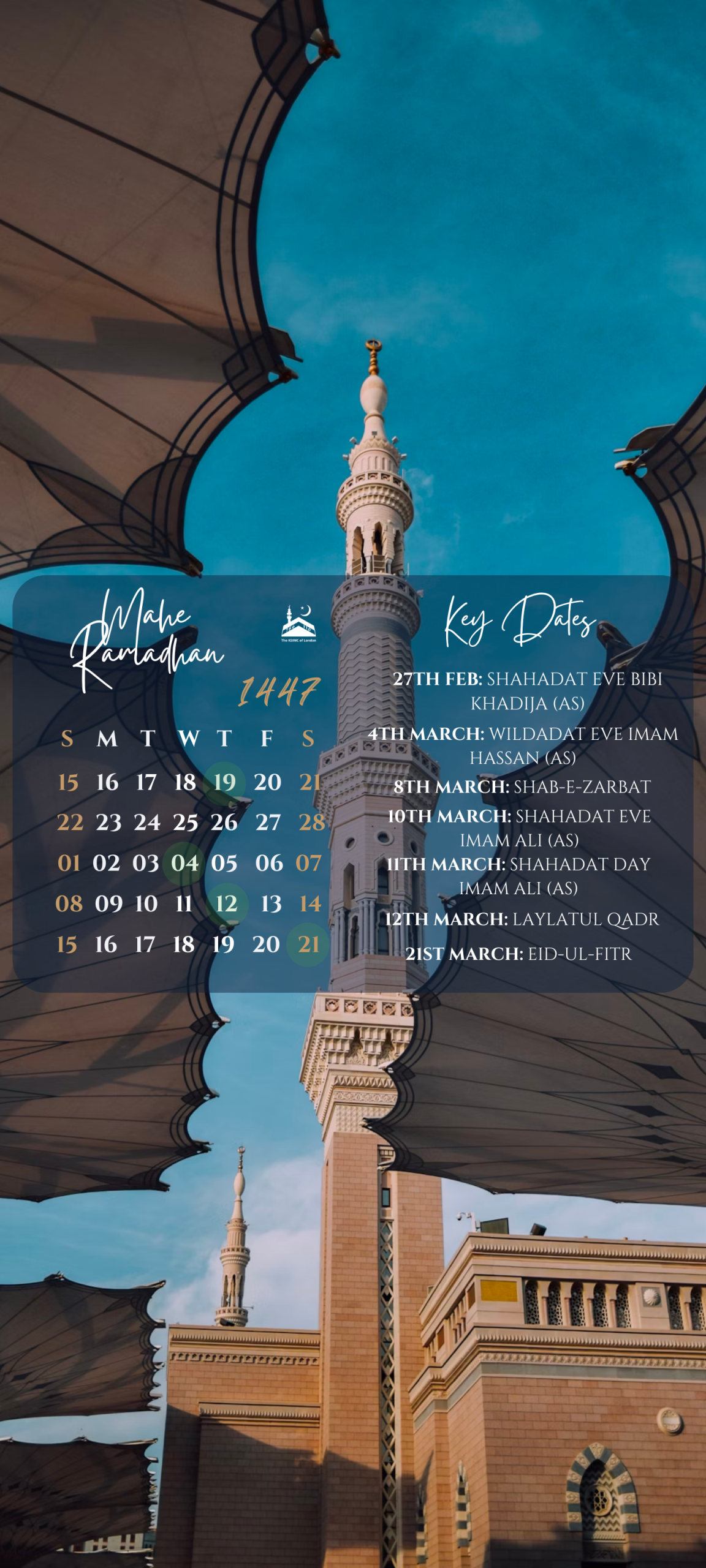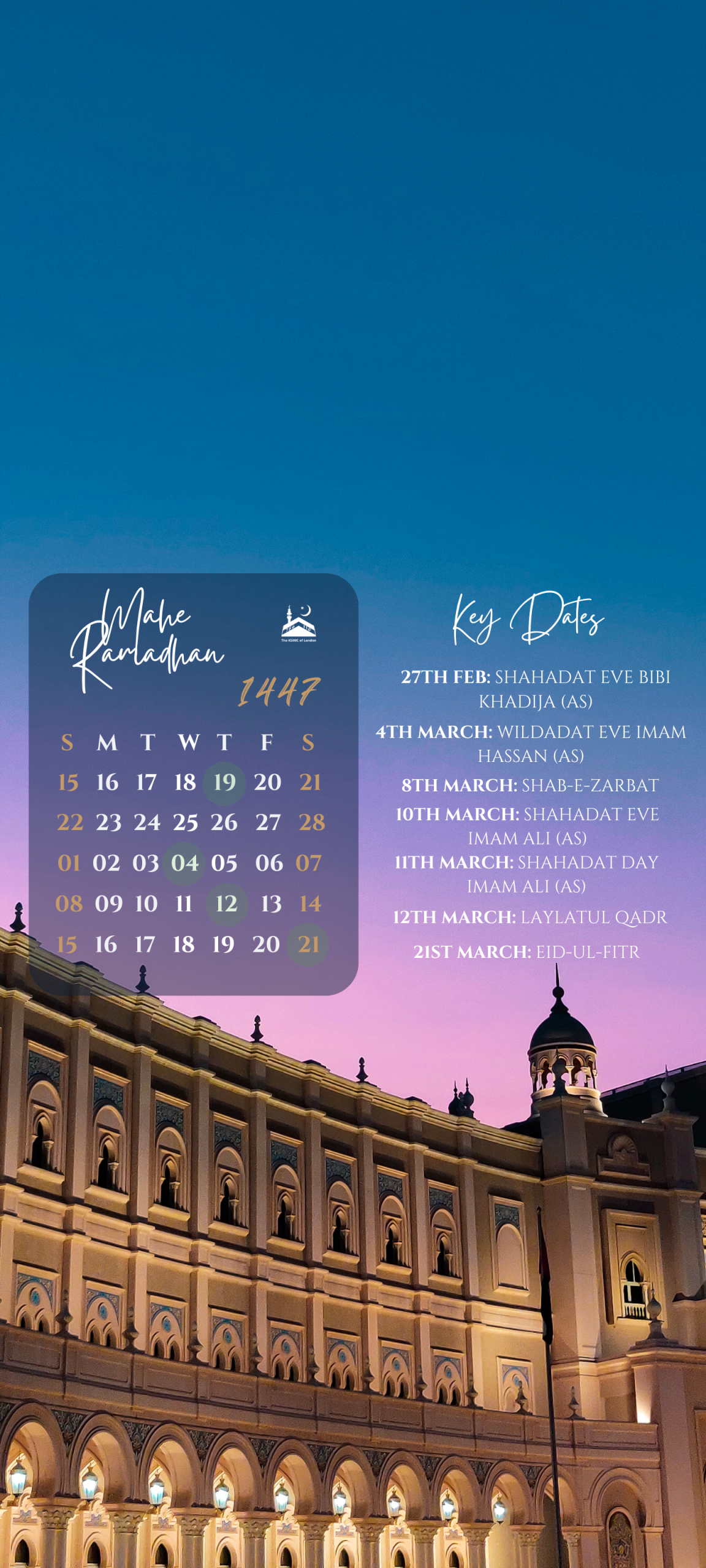

Mobile Phone Wallpapers

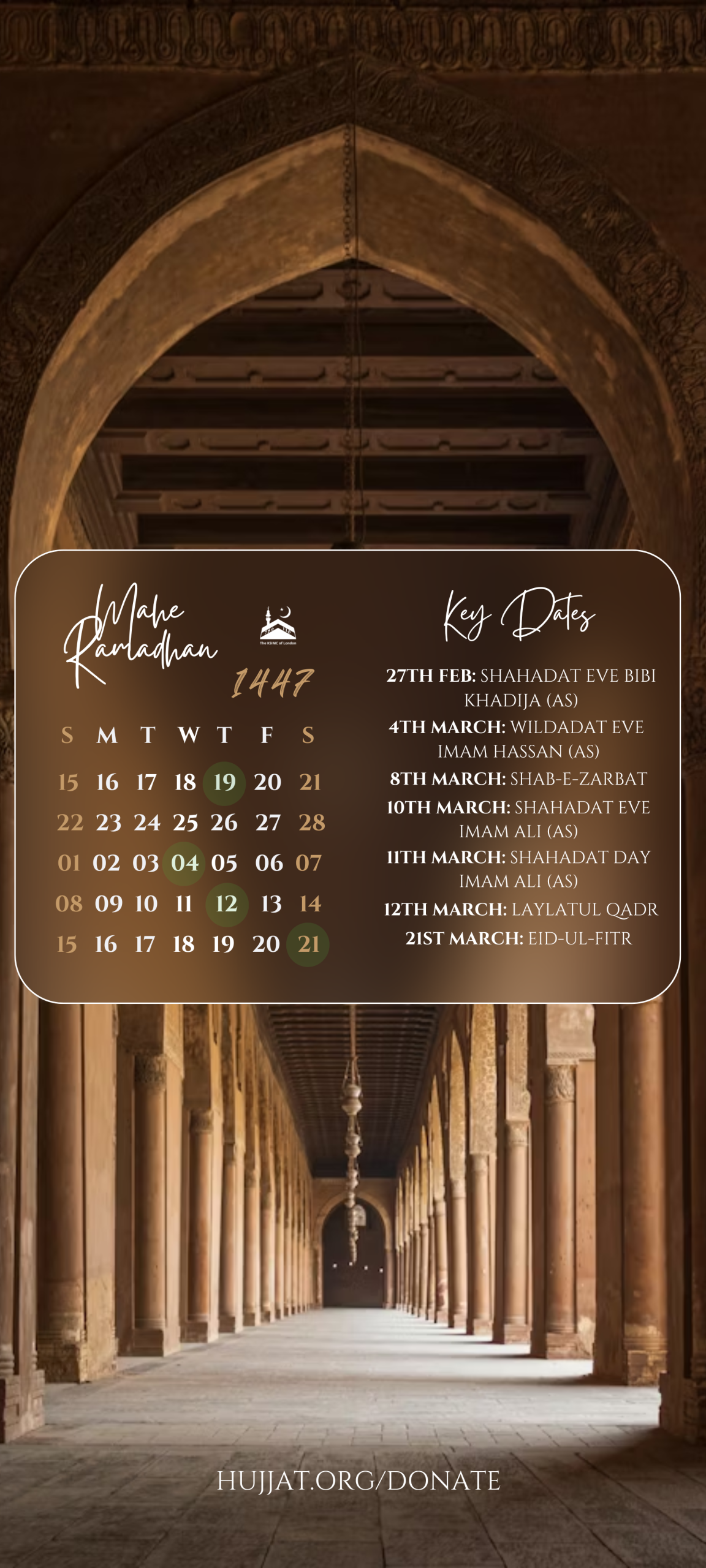
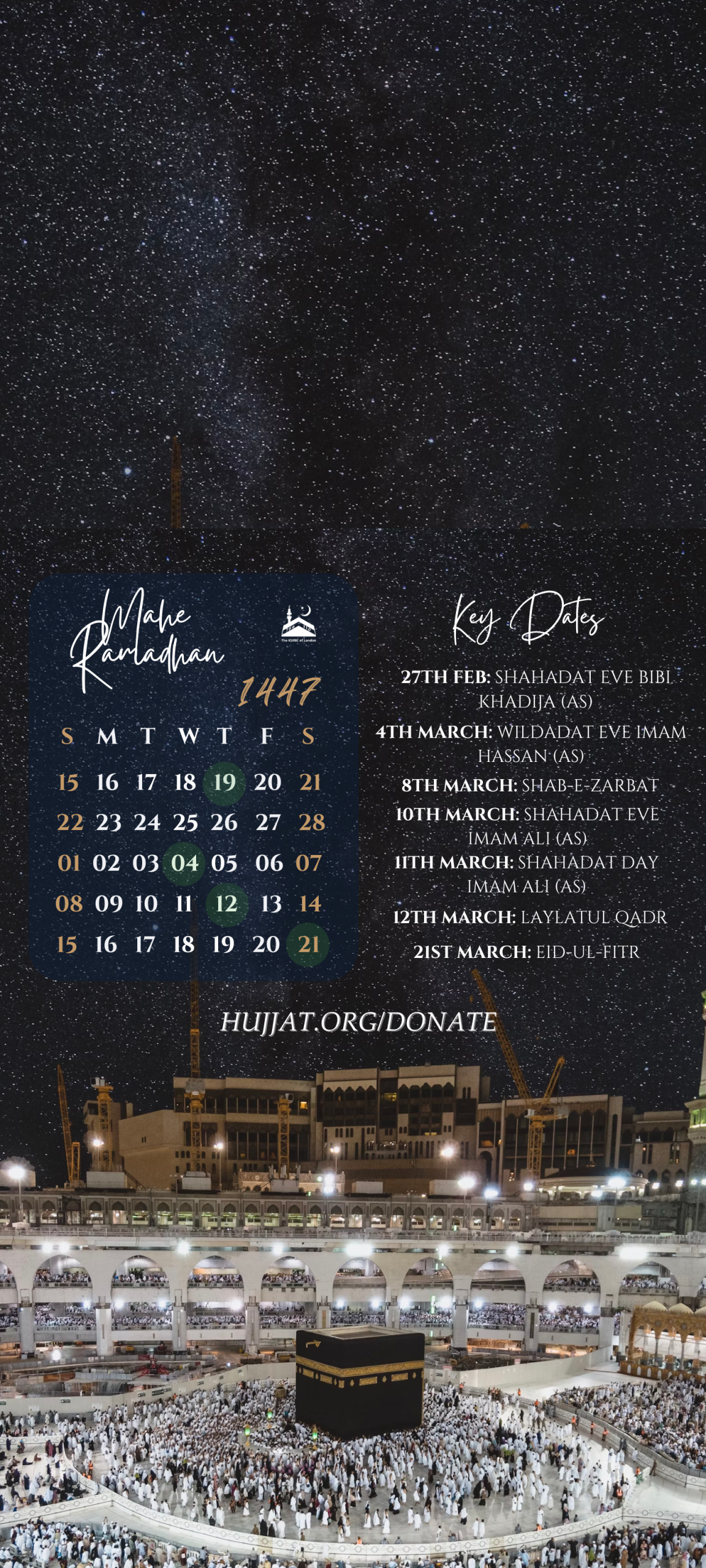
Download our wallpaper to stay on top of key events this month.

Please click into your chosen wallpaper below to download and set it as your wallpaper on your mobile device.

These wallpapers have been designed for Iphone and Samsung devices.

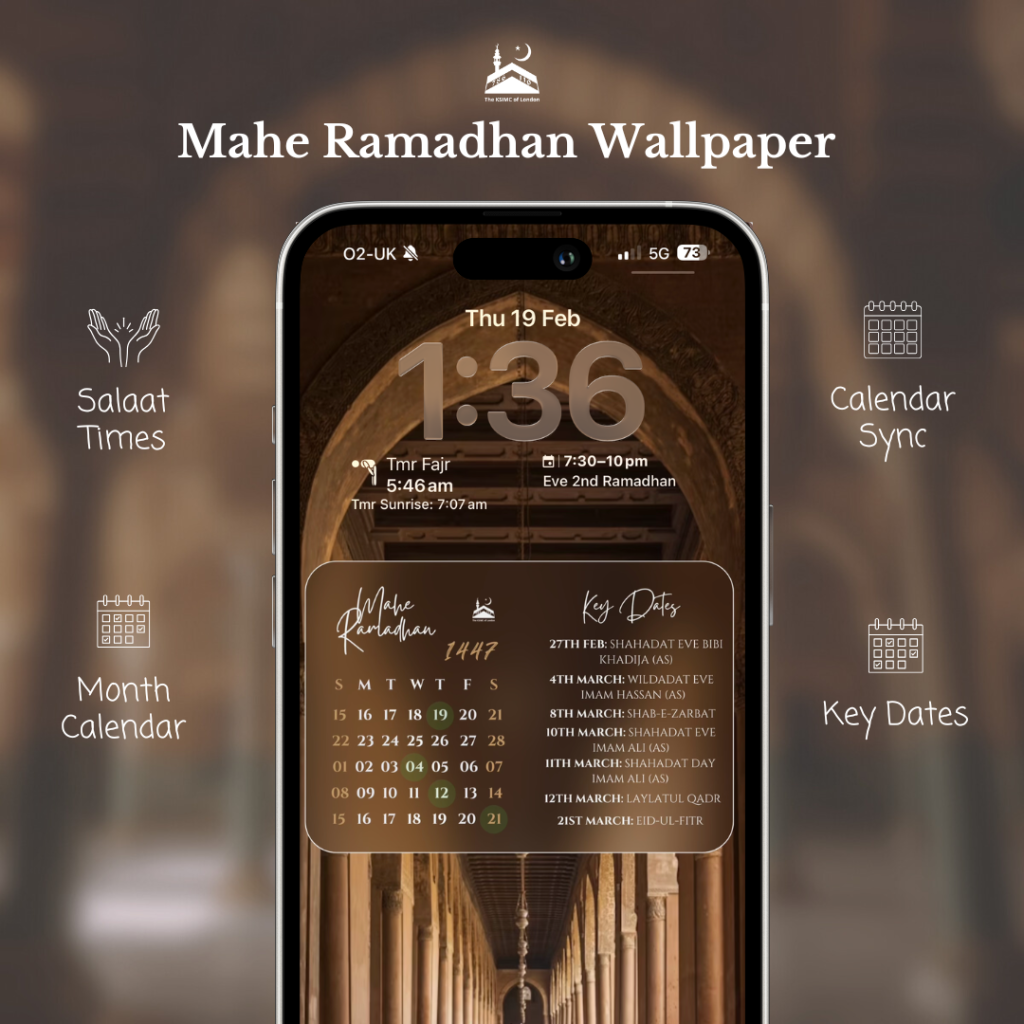
Salaat times widget is available for Iphone & Apple Watch here: https://apps.apple.com/us/app/salaat-times-hujjat/id6443735413
Instructions

  1. Click into your chosen wallpaper below
  2. long-press and save the image to your device
  3. Open the image in your photos app
  4. Set as phone wallpaper

Iphone/Ipad/IOS devices only:

  1. Download the Salaat Times app on the IOS app store here: s://apps.apple.com/us/app/salaat-times-hujjat/id6443735413
  2. Add widgets to lockscreen and home pages

The Hujjat events calendar can be synced to your personal calendars, ensuring you can always stay on top of our events

  1. On your mobile device, navigate to hujjat.org/events
  2. Click on ‘subscribe to calendar’ button
  3. Select your preferred calendar application. This works well with google calendar for android devices and ICalendar for IOS devices
  4. Follow the instructions to complete the calendar sync
  5. Add the calendar widget to your lockscreen to quickly see current and next events,

Download Wallpapers